There is no need to enable everything on a first visit. Begin with familiar controls and a server search, then watch one of your match recordings or change the weather on a map you know. The following pages gather the capabilities discussed in the book according to what they let a player do.
Adjust Movement and Shooting
A player presses fire and wants to see the shot immediately. Q2PRO-X can display it before the server's reply arrives: this is weapon prediction. The server still decides whether the projectile hit and how much damage it caused. Another system, Laghax, softens jolts when the server corrects a player's position. Its indicator shows latency, its variation and prediction state.
Mouse handling and a supported movement mode can be selected, a familiar fullscreen view retained or windowed play used. Players accustomed to 4:3 need not stretch the picture over a wide monitor: bars remain at the sides. Render scale and subsequent processing offer a choice between sharpness and GPU load.
Find a Server and Talk to Your Team
The server list supports searching for a game, filtering unsuitable choices and saving favourite addresses. In a match, voice chat removes the need to type while running. Microphones are selected in the game, and speech can be transmitted by holding a button or by voice activation. OpenTDM team matches gain additional teammate information on screen. Connection history makes it possible to return to a visited server after restarting the client.
When movement suddenly becomes uneven, it helps to distinguish a slow computer from an unstable connection. Network God settings, ping-adapted prediction and Network Lab tools allow those cases to be examined. Average latency is not the only important measure: how much it changes between packets matters too.
Understand Settings and Keep Your Habits
There is no need to remember hundreds of console commands. Menus with explanations lead to the required setting; a separate game-variable search reaches the details. The interface can switch between Russian and English. Fonts, startup presentation and personal frag messages also form part of client customisation. Console messages are categorised to make useful lines easier to find among service output.
An old configuration should not obstruct an update. The client therefore retained compatible ways of handling settings and separated preferences for ordinary play, mods and demo viewing. OLED screens have protection during inactivity.
Players and items can be highlighted, including individual model parts. Timers help track item returns where the game mode permits them. When an attractive scene becomes too demanding, the performance display helps identify where frame time is being spent.
Change a Familiar Map's Weather and Appearance
Rain and snow can fall on a familiar level. Water collects and reflects the surroundings, snow changes the surface and drops appear on a wet lens. Lava, foam and bubbles have their own effects. Materials, vegetation, ivy and autumn looks transform the same walls, courtyards and stairs in different ways.
Above the map, there can be weather skies, stars from an astronomical catalogue, the Moon and other celestial bodies. Meteors, comets, eclipses, black holes and sunbeams are available. High-dynamic-range, lighting and visibility settings determine how they look beside a dark passage or bright explosion.
Impacts, blood and other traces of combat connect the image with events in a match. Particle groups are adjusted separately. Every combination need not be assembled by hand: supplied presets and the generator let people choose an overall look and then refine it. Surfaces can gain hardware relief, mirrors and personal drawings; the air can gain volumetric clouds, fog and placed steam. Hardware tessellation depends on the selected graphics backend.
Revisit a Match or Play Without a Server
A recording can be found in the library, opened in the expanded player and navigated to an interesting moment. Multiview recordings support jumping to the next frag. Personal statistics offer another view of past games, while playback visuals let a scene be examined differently from the way it appeared during combat.
Sound adapts to the way people play: spatial processing for headphones, room reverberation and separate category volumes are available. Online music exists alongside game sounds without requiring their master volume to change. Music presets pair a scene with a track, while optional ambience changes with the character's health and armour.
A dedicated game DLL can alter single-player: shuffle items and monsters, turn water into real lava and reverse the change. Monster appearance and visible geometry can vary separately. Multiplayer maps support local monster training with item respawns and scoring; Free World offers more room for walking and observation. A bridge to 32-bit game modules helps run older additions.
Choose a Computer Opponent
OpenTDM-X is a separate mod with duel bots. Opponents have a skill level and style: balanced, offensive, defensive or changeable. A style can be attached to a profile and changed temporarily before a match. Bots learn to gather weapons and armour, finish a favourable fight, escape exposed positions and use suppressive fire, tricks and rocket jumps.
On q2duel5, narrow passages and pressure after respawning are especially important. ztn2dm3 adds red armour, megahealth and dangerous open areas. q3t2 requires teleports and jump pads to be understood. Yet choosing weapons, collecting ammunition and seeking cover must work on any map.
Lower difficulties receive less accurate shooting; ping adaptation accounts for delay when playing a human. Profiles have their own chat lines: greetings, occasional smiley replies, introductions and help. One mixed personality can ease pressure when far ahead and share a weapon with an unarmed opponent. Mod packages are available for Windows and Ubuntu 22.04.
Prepare a Map and Training Material
Mapgen Studio runs separately from the game. Users select a base map, add parts of other levels, connect transitions and check the result. Its library helps store prepared variants and return to them.
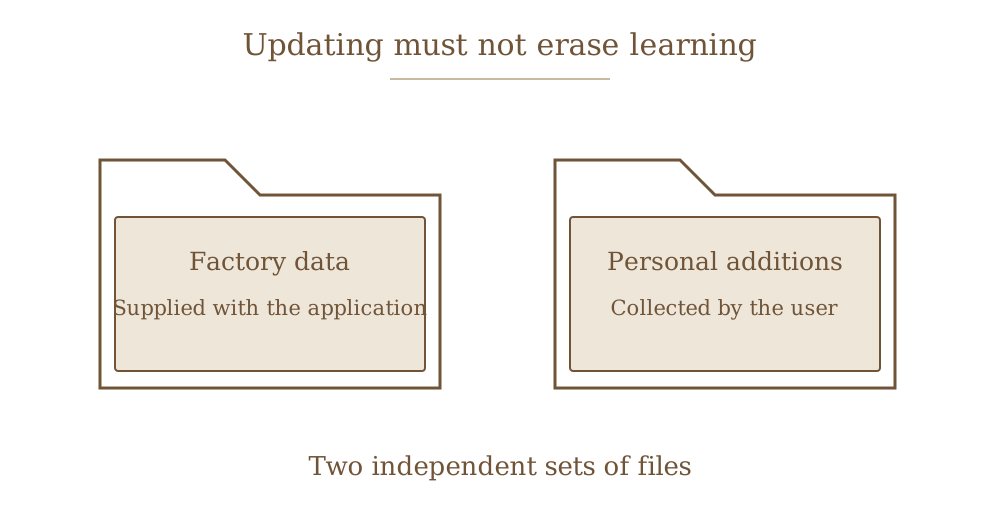
Bot Training Studio has a different purpose: loading match and trick recordings, analysing movement and preparing material for local training. Factory data and user additions are kept separate so an update does not erase personal work. Long jobs run in the background; the interface remains available and shows resource use. GPU and CPU options, version history, updating and a prepared runtime environment are provided.
By the date of this book, demo analysis and initial training experiments were working. Producing complete tactical behaviour for a new map still required research and in-game checks. The studio is not presented as a finished, one-click way to create an unbeatable opponent.